Nobody should have to hunt for what was missed.
Good kitchens still struggle when the proof is missing. Yes Chef AI Protective records the daily controls, shows what was missed or failed, turns each exception into an owned corrective action and keeps the management trail. HACCP checks, temperature logs, cleaning, checklists, goods receiving, fire and safety and risk assessments connect in one workspace.
Eight areas, one connected workspace.
Real product screens, shown with demonstration data. Select a screen to enlarge it.
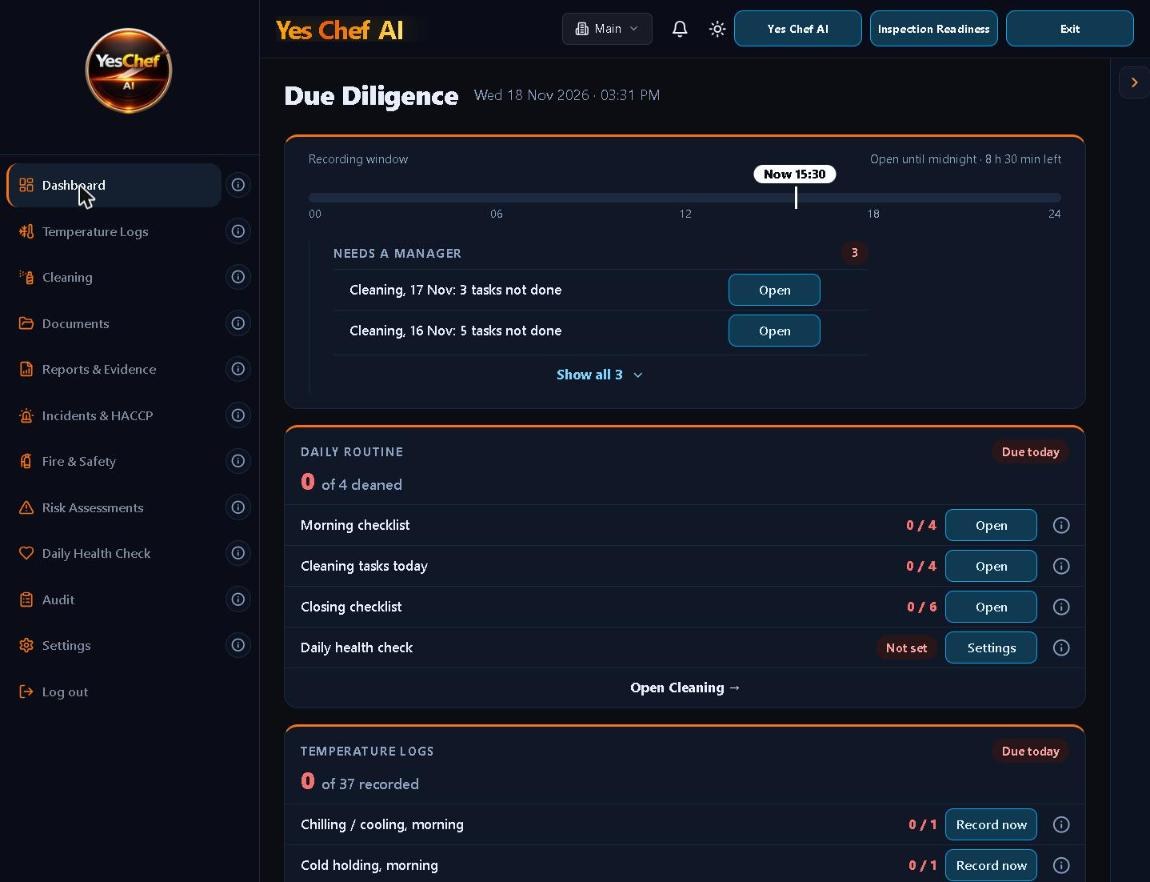
Daily controls
Morning and closing checklists, with every task signed
Open the day and close it with checklists that record who signed each task and when. Fridge, freezer, cooking, reheating, holding, chilling, defrosting, water and probe records sit in the same workspace, so the whole shift is one trail.
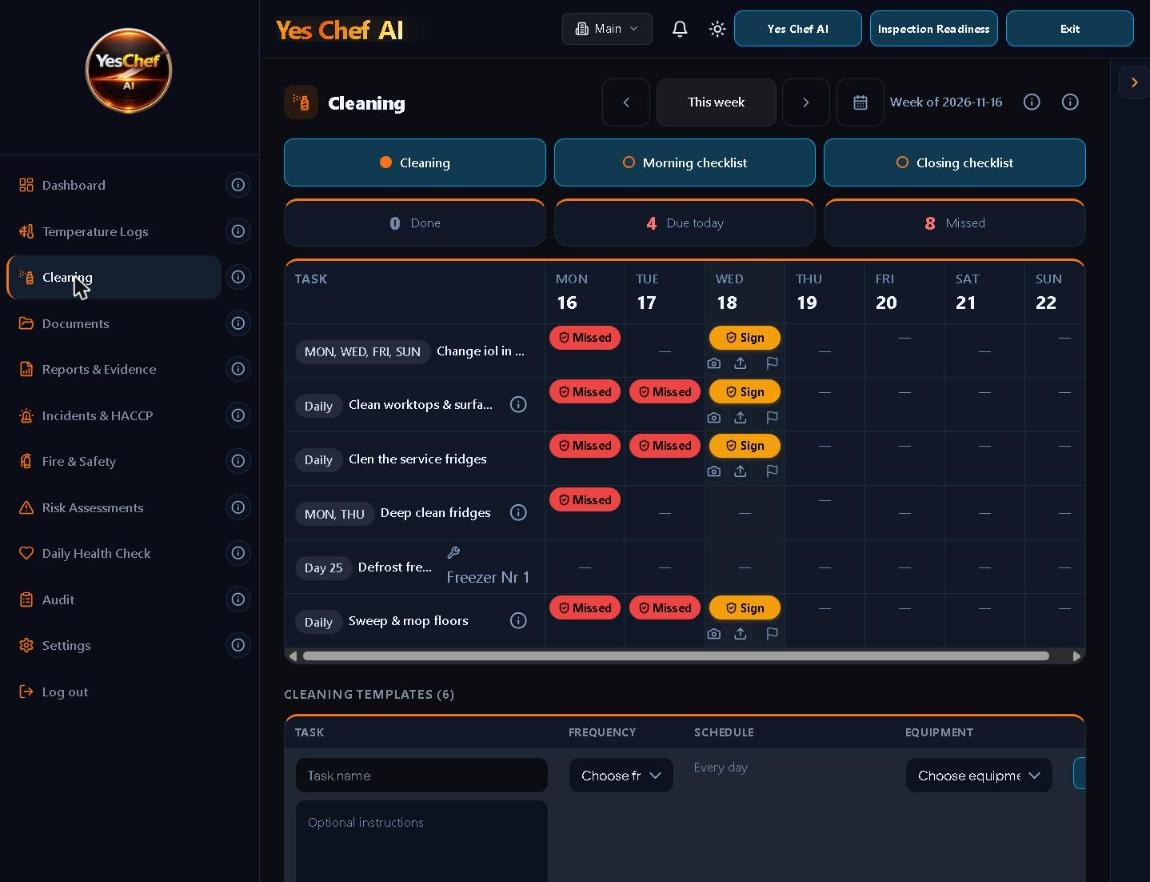
Cleaning
Cleaning rotas with PIN sign-off
Cleaning tasks are scheduled, signed with a PIN and shown as Done or Missing. A missed task does not disappear: it is flagged and followed up.
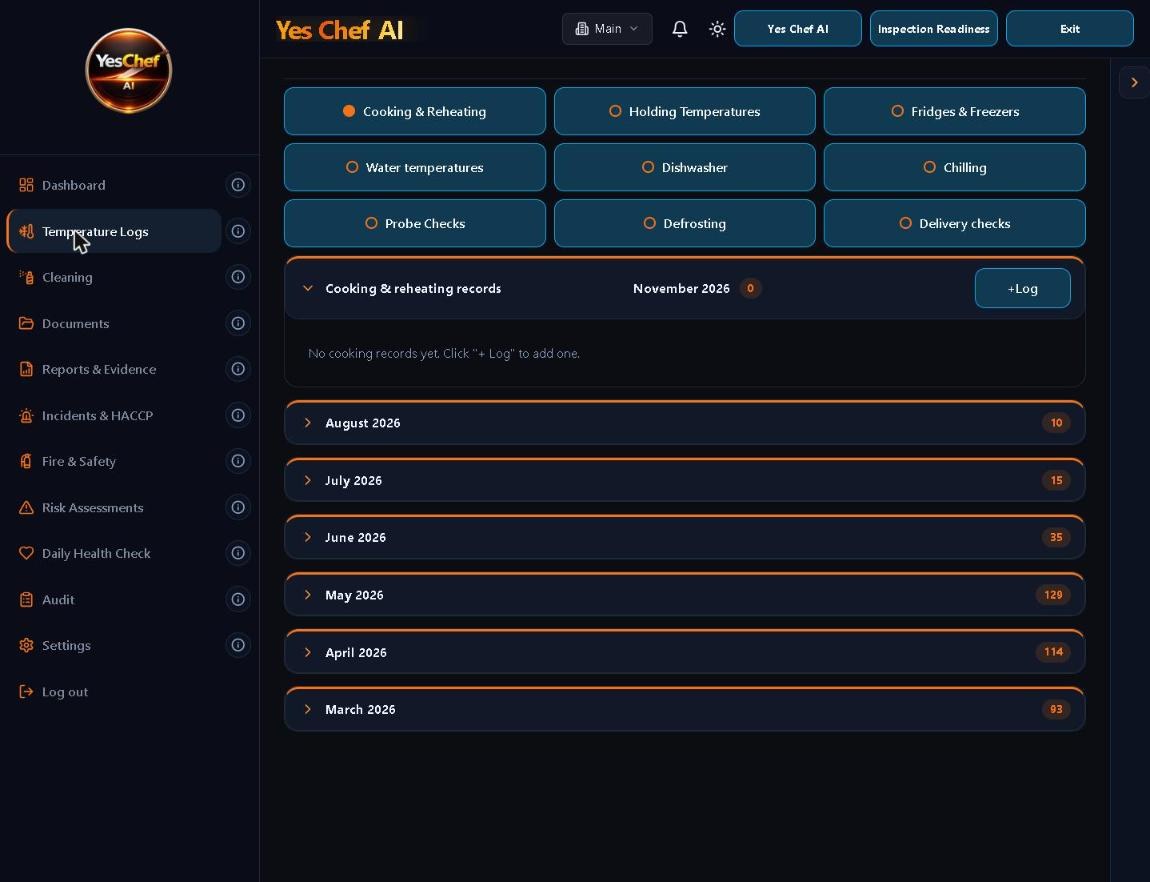
Temperature Logs
Temperature monitoring with limits built in
Readings are logged against the limit for each unit or process. A reading that is out of range is shown as Failed and starts a corrective action.
Incidents & HACCP
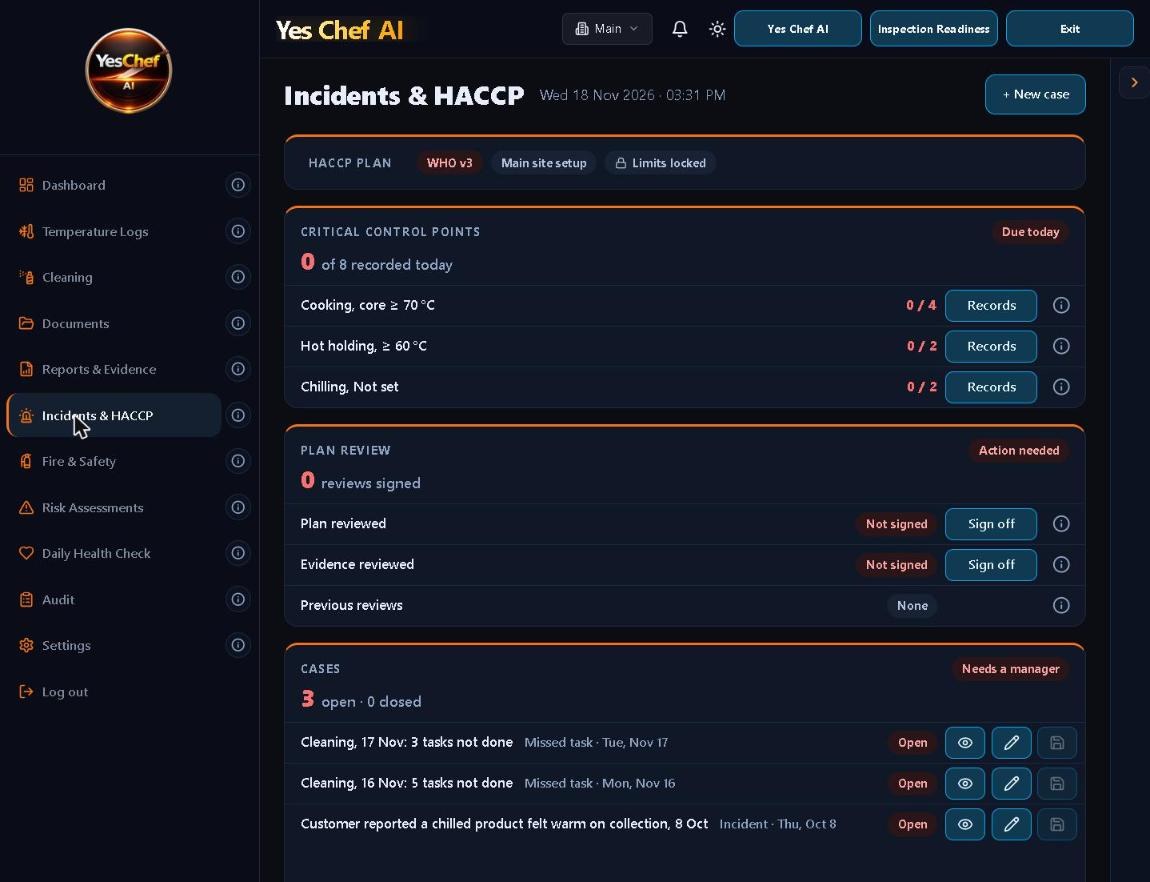
Corrective actions and manager follow-up
Missed or failed checks open cases automatically. Each case has an owner and stays open until a manager has reviewed the corrective action and closed it. HACCP and CCP deviations are recorded in the same place.
Risk Assessments
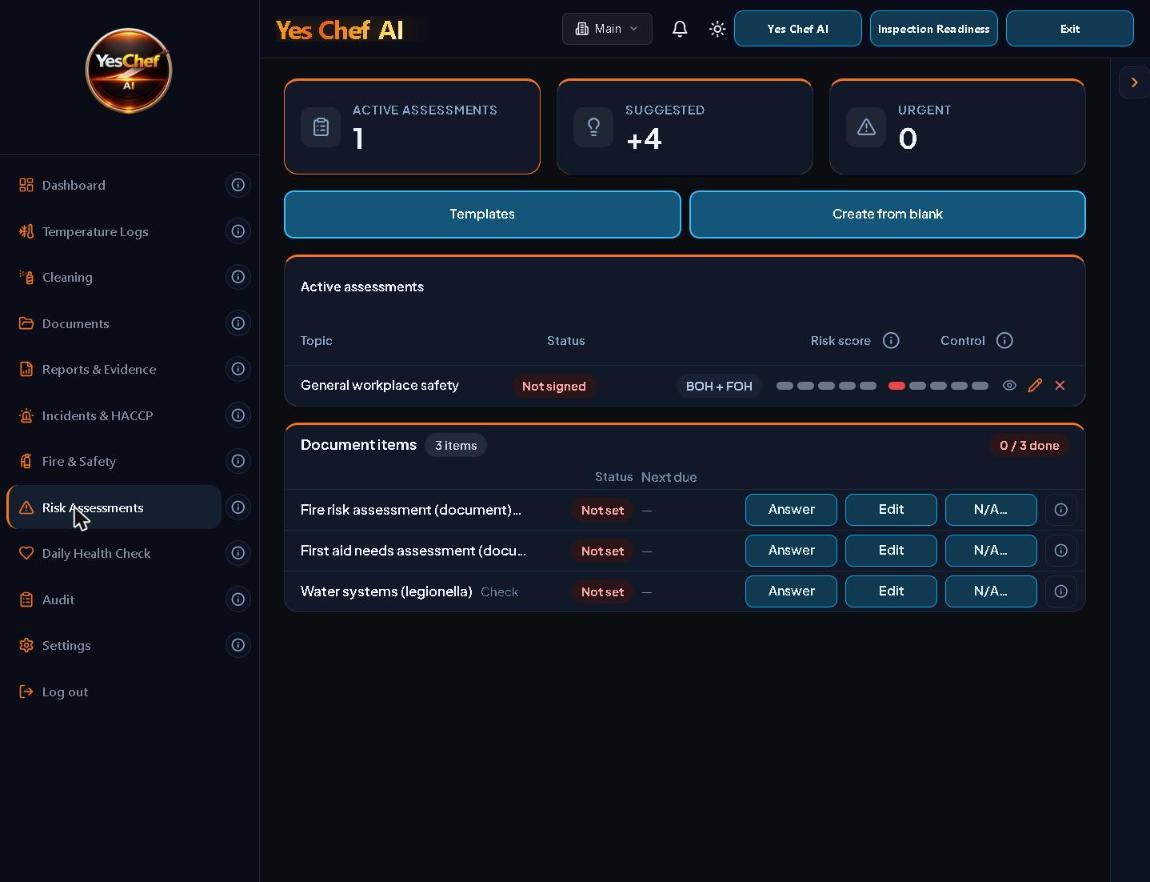
Risk assessments, decided section by section
Work through each risk assessment section, record the decision and keep it linked to the checks and incidents it relates to.
Fire & Safety
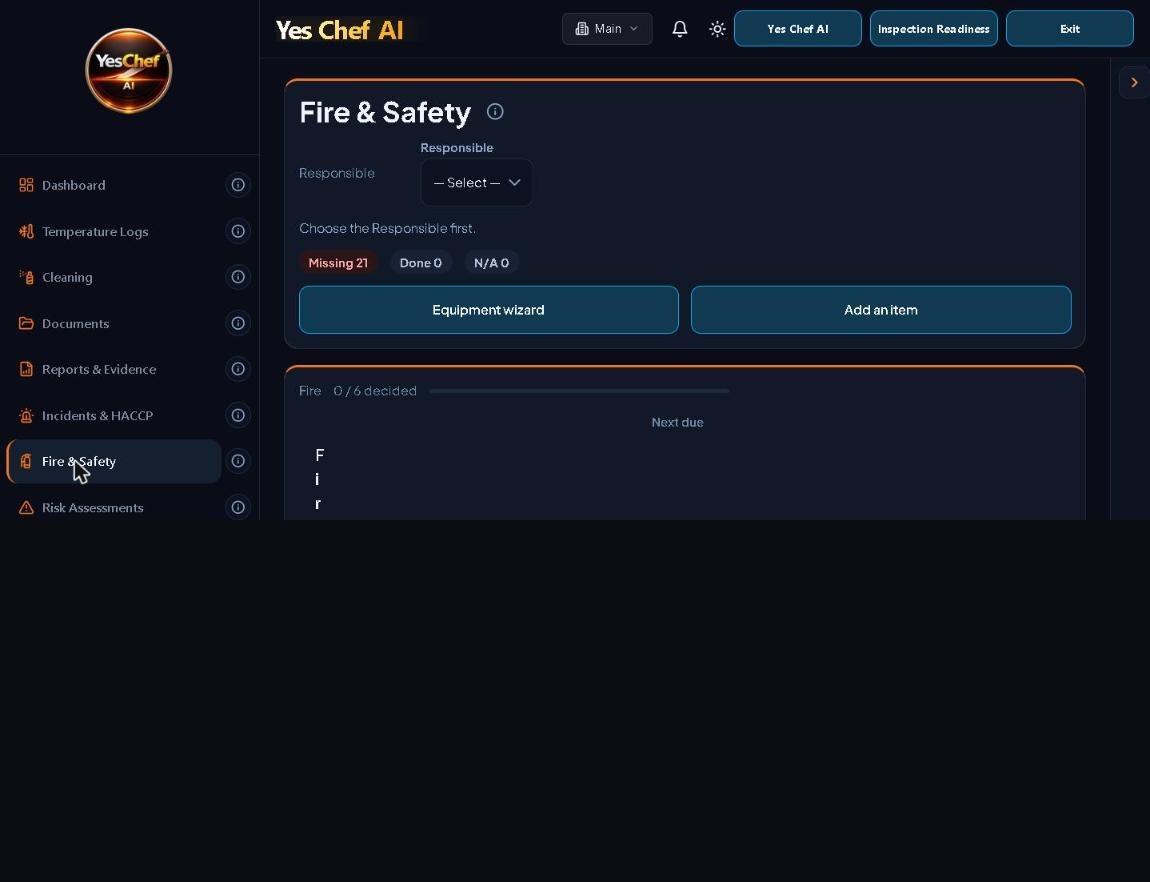
Fire and safety equipment checks
Record checks such as extinguishers and alarm tests. An item that was not checked shows as Missing and feeds into the same follow-up as every other control.
Documents
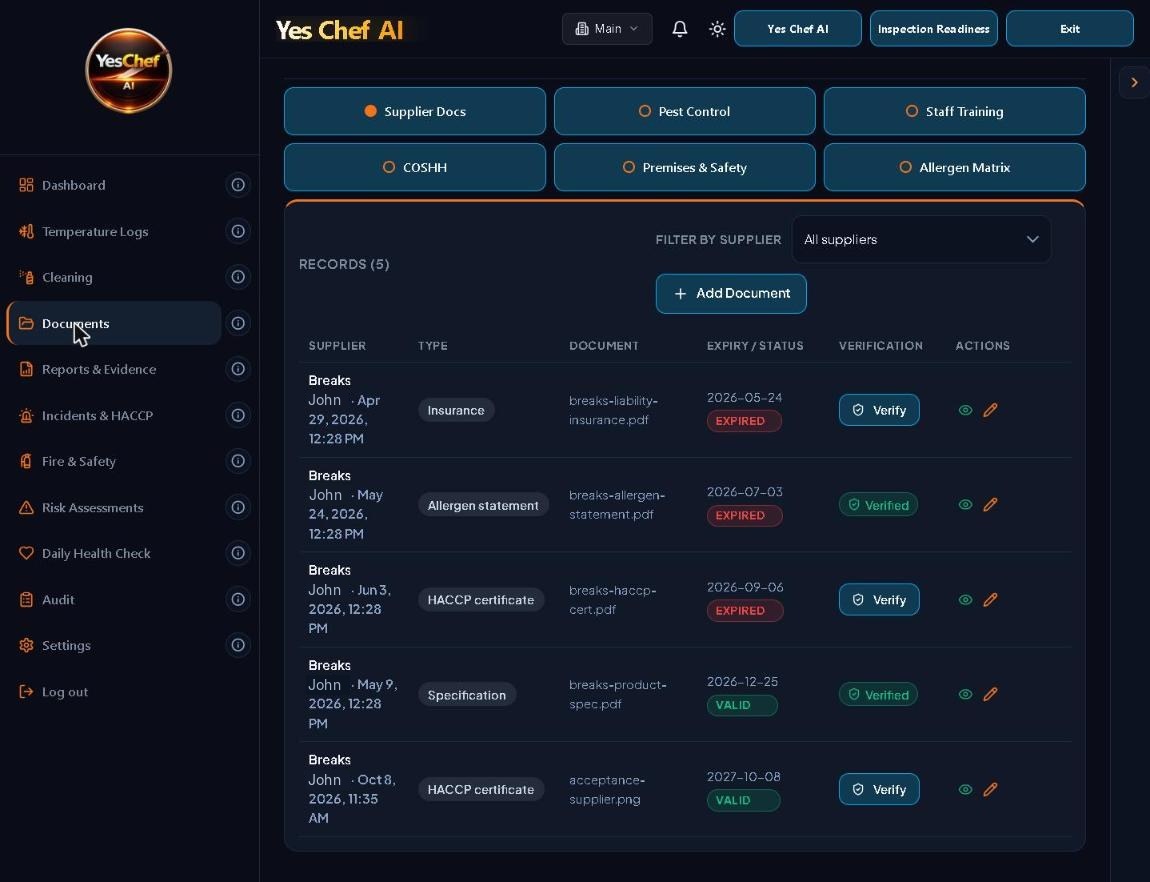
Supplier and safety documents with expiry flags
Keep supplier and safety documents in one place. A document that has expired is flagged, so it can be replaced and verified before it becomes a gap.
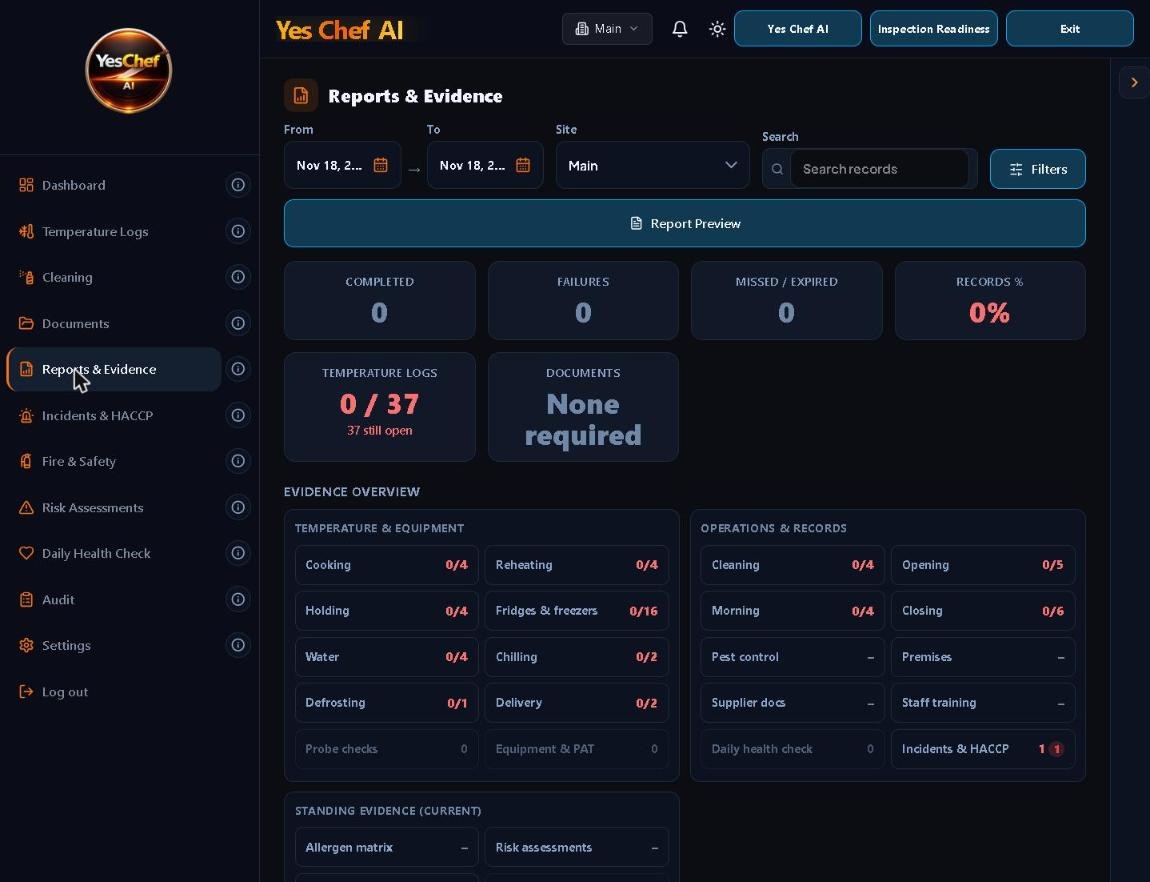
Reports & Evidence
A reviewable trail, ready to download
Timestamps, deviations, corrective actions and digital signatures come together in reports that managers can review and print, from any device.
From a missed check to a closed record.
Daily work happens in one workspace
Checks, cleaning, temperatures, goods receiving and activity are recorded where the team already works.
Completed work creates a timestamped record
Each completed item is signed with a PIN, and the system stamps who and when automatically.
Missed controls stay visible
Anything not done shows as Missing, and anything out of range shows as Failed, until it is dealt with.
Findings become owned follow-up
Each exception becomes a corrective action with an owner and a way to close it.
Managers review the evidence trail
Managers move from the activity to a reviewable trail and close actions only after review.
The records around the daily work.
Goods receiving
Record deliveries as they arrive, alongside the checks that follow.
HACCP and CCP checks
Keep critical control point checks in the same workspace as the daily records.
Supplier documents
Store supplier documents and see when they expire.
Staff training records
Keep staff training records with the rest of the evidence.
Due-diligence questions, answered.
What is kitchen due-diligence software?
Kitchen due-diligence software records the controls a kitchen carries out each day, such as temperature checks, cleaning and checklists, shows what was missed or failed, and keeps the follow-up and evidence together so a manager can review it.
Does Yes Chef AI replace paper HACCP and temperature logs?
Yes Chef AI Protective lets a kitchen keep temperature logs, HACCP and CCP checks, cleaning and checklists digitally, with a timestamp and a signature on each record.
What happens when a temperature reading is out of range?
The reading is shown as Failed and a corrective action is opened with an owner. It stays visible until a manager has reviewed and closed it.
Can managers check records away from the kitchen?
Yes. Yes Chef AI is web software, so authorised managers can review records and reports from any device.
Does Yes Chef AI guarantee an inspection result or rating?
No. Yes Chef AI supports the improvement and evidence process. It does not award ratings, replace the local authority, or guarantee an inspection outcome. Food-safety responsibilities remain with the business.
Find out what is missing while there is still time to fix it.
The full due-diligence workflow for £39.99 per month, VAT included. No rating guarantee.